Step 1: Add the Shortcode in functions.php
Add the following function to your theme’s functions.php file (or better, inside a custom plugin if you want to keep it theme-independent)
function custom_code_panel_shortcode($atts, $content = null) {
$content = preg_replace(‘/<br\s*\/?>/i’, ”, $content);
$content = preg_replace(‘/<\/?p>/’, ”, $content);
// Decode HTML entities (optional, keeps quotes and symbols correct)
$content = html_entity_decode($content, ENT_QUOTES, ‘UTF-8’);
// Unique ID
$unique_id = uniqid(‘code_’);
ob_start(); ?>
<div class=”code-panel”>
<button class=”copy-btn” onclick=”copyCode(this)”>Copy</button>
<pre id=”<?php echo $unique_id; ?>”><code><?php echo esc_html(trim($content)); ?></code></pre>
</div>
<?php
return ob_get_clean();
}
add_shortcode(‘code_panel’, ‘custom_code_panel_shortcode’);

Step 2: Add JavaScript for Copy Functionality
To make the Copy button work, add this script. You can place it in your theme’s footer.php before the closing </body> tag, or enqueue it properly as a separate JS file:
<script>
function copyCode(btn) {
const code = btn.nextElementSibling.innerText;
navigator.clipboard.writeText(code).then(() => {
btn.innerText = “Copied!”;
btn.classList.add(“copied”);
setTimeout(() => {
btn.innerText = “Copy”;
btn.classList.remove(“copied”);
}, 2000); // reset after 2 seconds
});
}
</script>
Step 3: Add CSS for Styling
Now, style your code panel and button. Add this CSS to your style.css file or via Appearance → Customize → Additional CSS:
.code-panel {
background: #1e1e1e;
color: #f8f8f2;
padding: 15px;
border-radius: 8px;
font-family: monospace;
overflow-x: auto;
position: relative;
margin: 15px 0;
}
.copy-btn {
position: absolute;
background: #444;
color: #fff;
border: none;
padding: 5px 10px;
border-radius: 5px;
cursor: pointer;
font-size: 14px;
}
.copy-btn.copied {
background: #2ecc71; /* green when copied */
}
Step 4: Usage Example
Now, you can easily add code snippets in your posts or pages using this shortcode:
body {
background: #000;
color: #fff;
}
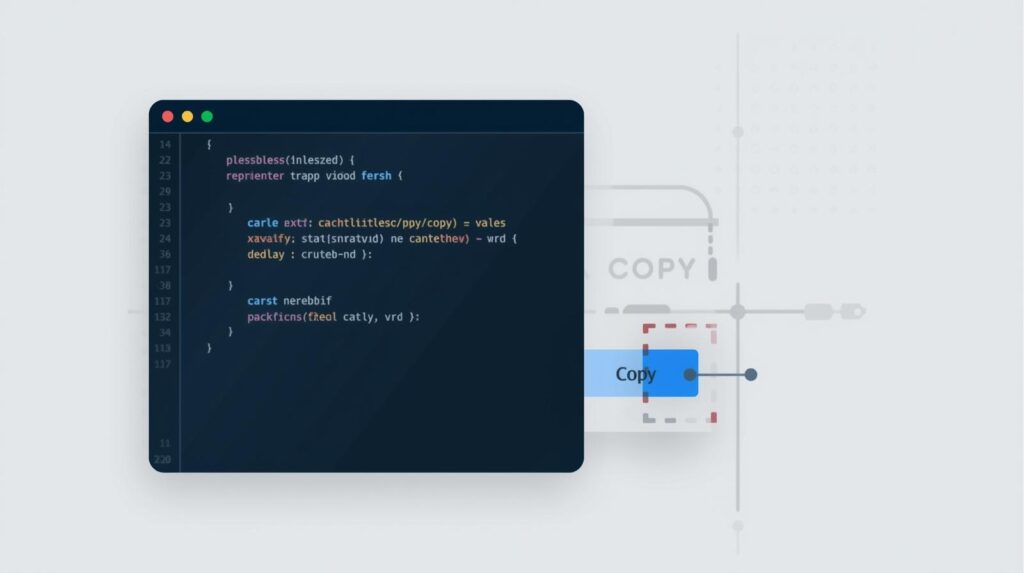
This will display a styled code block with a Copy button, making it much easier for your readers to copy and use your code.